

Description
Collect APCs online, without chasing bank transfers
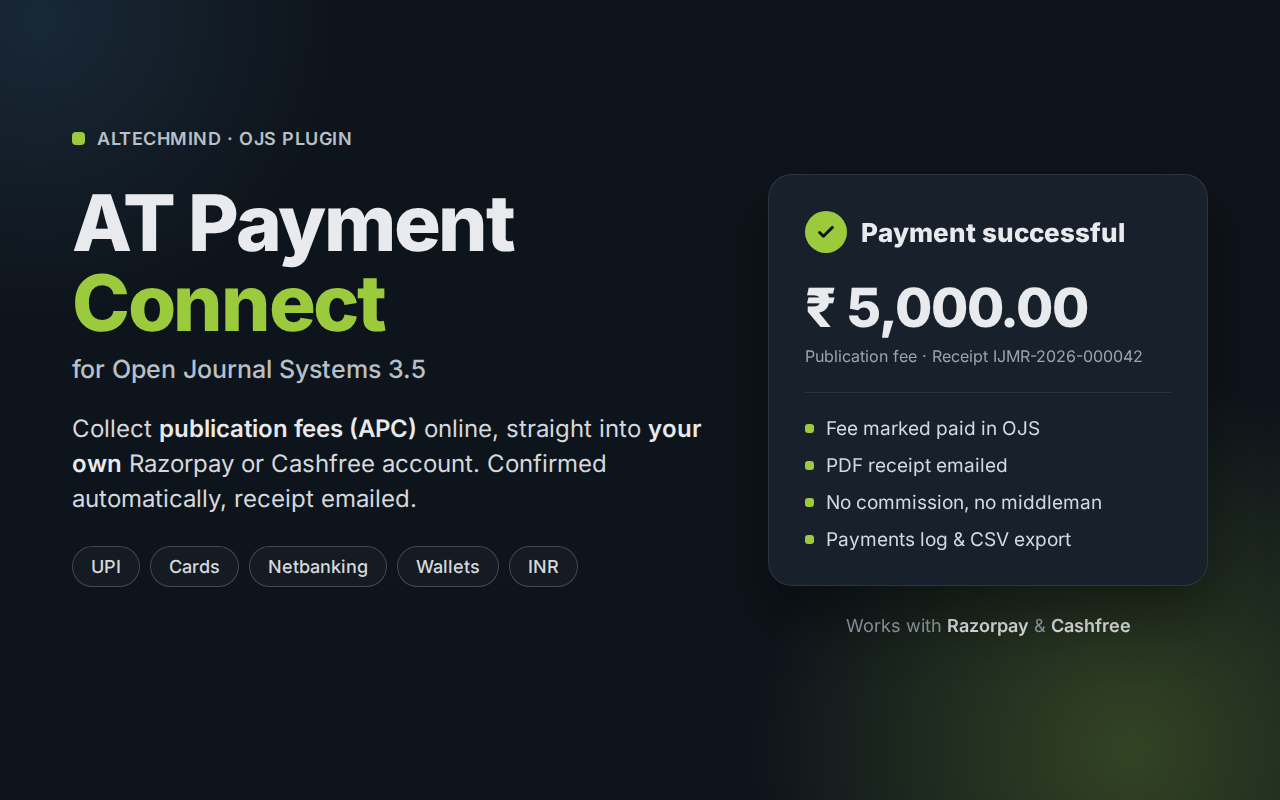
Indian journals still collect publication fees by bank transfer and screenshots, and editors match payments by hand. AT Payment Connect adds online payment to OJS’s own publication-fee workflow. When the editor requests the fee, the author pays by UPI, card, netbanking or wallet, and OJS marks the fee paid automatically.
It’s an integration, not a payment gateway. Payments go directly to your own Razorpay or Cashfree merchant account. Altechmind never receives, holds or settles your money, and takes no commission. You pay only your payment provider’s usual fees.
How it works
- The editor requests the publication fee in OJS, as usual.
- The author opens the payment link and sees a clear Confirm payment page: amount, payee, your terms and refund policy.
- The author pays on Razorpay’s or Cashfree’s secure checkout page. Card and UPI details never touch your site.
- AT Payment Connect confirms the payment directly with the provider and marks the fee paid in OJS.
- The author receives a receipt email with a PDF, and the payment appears in your Payments log.
Features
- Razorpay or Cashfree: choose one per journal, using your own account and keys.
- UPI, cards, netbanking, wallets: whatever your merchant account has enabled.
- Automatic confirmation: the fee is marked paid only when the provider confirms the exact amount. If the author closes the window after paying, the provider’s notification completes it anyway.
- Never charged twice, never marked twice: a payment is recorded in OJS exactly once, even if confirmations arrive together.
- Receipts: an editable OJS email template plus a PDF receipt with your payee name, address and GSTIN (optional). A payment receipt, not a tax invoice.
- Payments log: filter by status, date or provider, search, export to CSV, download and re-send receipts.
- Test mode: separate test and live keys; TEST MODE is clearly shown to payers, on receipts and in the log.
- Safe settings: API keys are stored encrypted and are never shown again after saving. “Test connection” checks them.
- Fair fallback: if online payment can’t be offered (for example, licence not active), authors see your own payment instructions or contact details instead. Payments already started always complete.
- Built for OJS 3.5: uses OJS’s own payment workflow (Distribution › Payments). No changes to OJS core or your theme.
Requirements
- OJS 3.5 (PHP 8.2 or later), HTTPS recommended
- AT Gateway 1.0.8.0 or later (free):
- Your own Razorpay or Cashfree merchant account (KYC completed by the journal or publisher)
- The journal’s payment currency set to INR
- Links to your terms, refund and cancellation policy, and contact page (payment providers require these)
Licence and seats
- Per journal: each journal that enables the plugin uses one seat. Choose 1, 3 or 5 journals.
- Includes 2 years of updates and support.
- After 2 years the plugin keeps working; renew to keep receiving updates and support. [confirm the store keeps answering valid=1 after the updates window ends; the Gateway only uses that date for updates]
Not included in version 1 (coming soon)
- Other fee types (article/issue purchase, subscriptions); version 1 handles the publication fee (APC)
- Currencies other than INR
- PayU
- Refunds from inside OJS (refund in your Razorpay/Cashfree dashboard)
- GST tax invoices (the PDF is a payment receipt)
Legal
Payments are processed by Razorpay or Cashfree under the journal’s own merchant account. Altechmind does not receive, hold or settle funds. Razorpay and Cashfree are trademarks of their respective owners; OJS and Open Journal Systems are projects of the Public Knowledge Project (PKP). AT Payment Connect is not affiliated with or endorsed by PKP, Razorpay or Cashfree.